




















Mastering Movement in Five Nights at Shrecks on Tablet
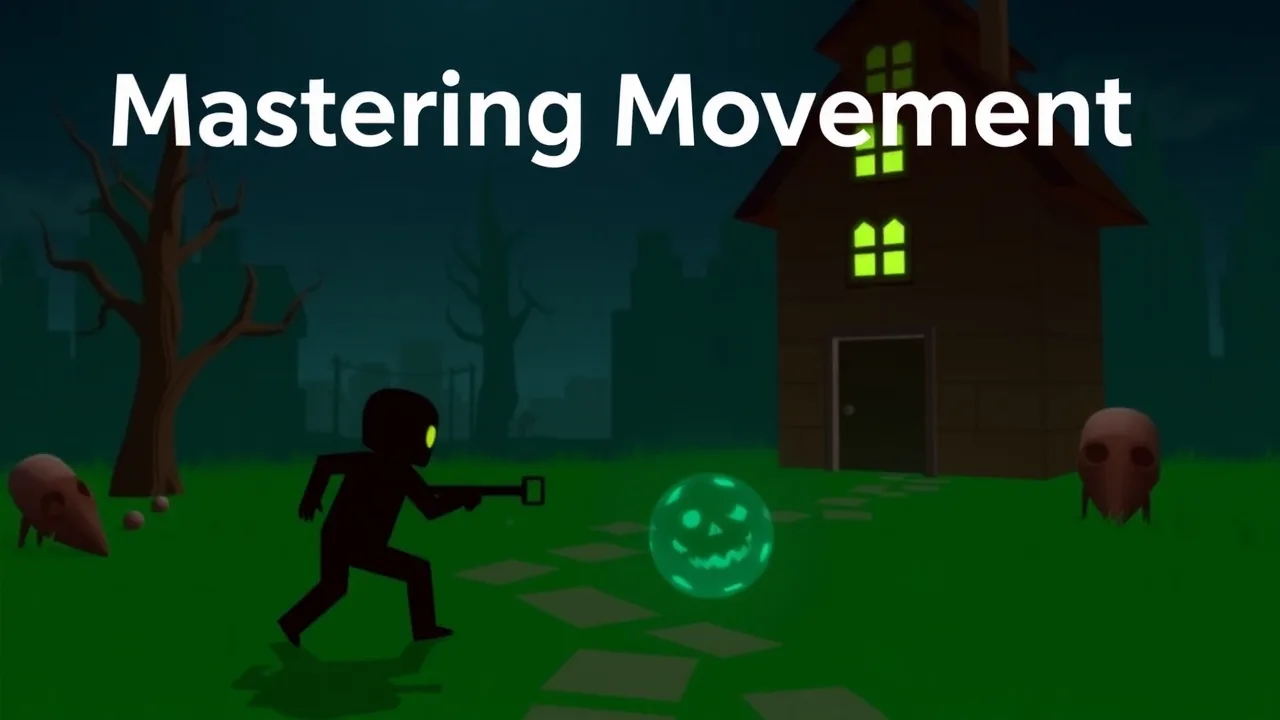
Surviving the night takes more than just courage; it requires precision and control, especially when you are playing on a touchscreen device. If you have been struggling to navigate the dark corridors and defend yourself in Five Nights at Shrecks, you are in the right place. This guide focuses entirely on optimizing your movement and controls on a tablet, ensuring you can react quickly to threats and enjoy the game to its fullest.
Playing horror survival games on a tablet offers a unique experience, but it requires a different approach than using a mouse and keyboard. In this specific title, movement is often tied to swiping or tapping specific zones of the screen. To master this, you need to familiarize yourself with the sensitivity settings. Start by identifying the "dead zones" on your screen where touches might not register. Avoid holding your device too tightly, as this can lead to accidental inputs. Practice moving your character smoothly without jerky motions, as fluid movement is key to avoiding detection and reaching safety before time runs out.
Optimizing Your Tablet Settings for Survival
Before you even start a session, check your device settings. Ensure that "Do Not Disturb" is enabled so that notifications do not obscure your view or cause you to fail a critical moment. Brightness plays a huge role in immersion; adjusting your screen brightness to match the game's dark atmosphere can help you see hidden details, but be careful not to make it so dim that you miss movement in the shadows. Additionally, close background applications to ensure the game runs smoothly without lag, which is crucial when every second counts.
Essential Controls and Gesture Tips
The control scheme is designed to be intuitive, but mastering it takes practice. You will primarily use your thumbs for navigation and interaction. Use your left thumb for directional movement and your right thumb for looking around or interacting with objects. A common mistake is trying to do too much at once; instead, focus on one action at a time. If you need to check a camera or open a door, stop moving for a split second to ensure the command registers. This deliberate style of play prevents you from walking into traps or missing vital cues.
Quick Reference: Game Features and Controls
| Feature | Details |
|---|---|
| Gameplay Style | First-person survival horror with stealth elements |
| Primary Controls | Touchscreen swipe for movement, tap for interaction |
| Session Pace | Tense and slow-paced, requiring patience and listening |
| Device Fit | Optimized for tablet screens with larger touch targets |
| Category Match | Horror, Strategy, Puzzle-solving |
Strategies for Navigating Dark Environments
The atmosphere is thick with tension, and visibility is often limited. When moving through dark areas, rely heavily on audio cues. The sound of footsteps or breathing can indicate where a threat is located before you can see it. Move slowly and hug the walls to minimize your profile. If the game allows for a flashlight or light source, use it sparingly to conserve battery or avoid drawing unwanted attention. Remember that in this environment, silence and stillness are often your best tools for survival.
Advanced Movement Techniques for High Scores
Once you have the basics down, you can start using advanced techniques to improve your performance. Learn the map layout by heart so you can navigate without constantly checking the screen. This allows you to keep your eyes on the most critical areas. If the game features a sprint mechanic, use it only when absolutely necessary, as it often makes noise or drains stamina. Mastering the art of the "quick turn" is also essential; learn the specific swipe gesture that allows you to turn around instantly to check your back.
Common Mistakes to Avoid on Tablet Devices
Many players struggle because they treat the tablet like a console controller. Do not mash the screen; gentle, precise taps are more effective. Another common error is ignoring the environment. The game is filled with interactive objects that can help you survive, but they are easy to miss if you are rushing. Take your time to explore and understand how the environment can be used to your advantage. Finally, do not forget to save your progress if the game allows it, ensuring you do not lose valuable progress after a long night of survival.
Frequently Asked Questions
Is this game difficult to play on a tablet?
While it presents a challenge, the controls are adapted well for touchscreens. With practice, you will find the movement becomes second nature.
Do I need headphones to play?
Headphones are highly recommended. The audio design is a critical part of the gameplay, helping you locate threats and understand the environment.
Can I pause the game?
Most sessions allow for pausing, giving you a moment to regroup and plan your next move without the pressure of real-time threats.
Are there in-app purchases?
The core experience is focused on survival and skill. Any additional content is usually optional and does not affect the main gameplay loop.
How do I improve my reaction time?
Practice is the best way. Familiarize yourself with the controls and map layout so that your reactions become instinctive rather than calculated.