




















Mastering the Keyboard for Better Racing Performance
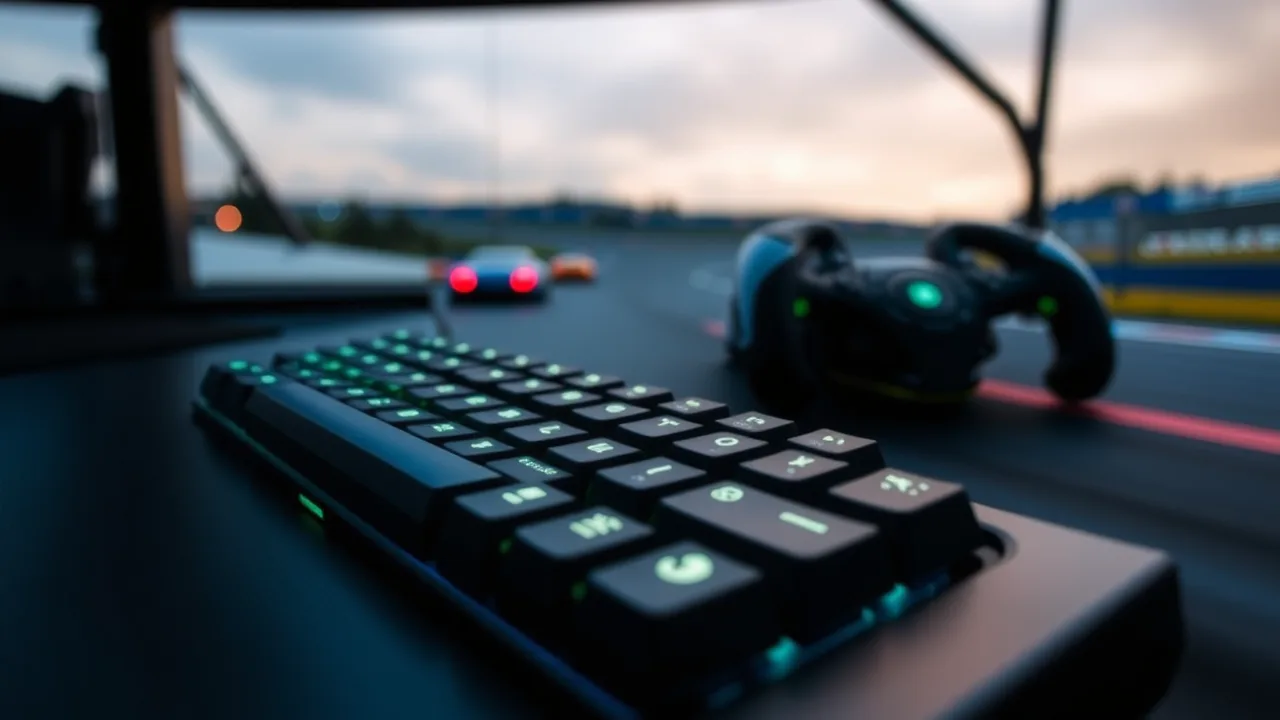
Many racing enthusiasts underestimate the precision required when using a standard keyboard, but with the right approach, you can turn those simple keys into a high-performance steering setup. This guide explores the essential techniques and mindset needed to dominate the track without specialized hardware. Whether you are a casual player or looking to climb the leaderboards, understanding how to maximize your keyboard's potential is the first step toward victory.
Unlike a steering wheel or controller, a keyboard provides binary input, meaning keys are either pressed or not. This creates a unique challenge where steering requires a rhythmic tapping motion rather than a smooth turn. Mastering this distinction is vital for maintaining control at high speeds. You must learn to feather the directional inputs to simulate a curve, ensuring your vehicle flows through corners rather than jerking sideways. Recognizing that your inputs are on or off helps you anticipate how the car will react to sudden commands.
Finding the Optimal Hand Placement
Comfort and reaction time are directly linked to how you position your hands on the board. The standard racing setup typically involves keeping the left hand on the arrow keys or WASD cluster while the right hand hovers near the spacebar for nitro boosts or handbrake functions. Your fingers should remain relaxed to prevent fatigue during long sessions. Keeping your wrists slightly elevated can also improve leverage and speed, allowing you to hit multiple keys simultaneously without fumbling. Experiment with slight variations to find the position that feels most natural for your specific keyboard layout.
Throttle Control and Acceleration Management
Speed is nothing without control, and keyboard players often struggle with over-acceleration. Holding down the gas pedal continuously works on straightaways, but entering a turn at full throttle usually results in a spin-out. You need to develop a feel for when to lift off the gas. Tapping the acceleration key rapidly can help modulate your speed entering tight bends. This technique allows the car's tires to regain grip, preventing you from sliding off the track. Learning to balance momentum with braking is the core of competitive racing.
Cornering Techniques for Keyboard Users
Turning is the hardest skill to master with keys. Because you cannot turn the wheel gradually, you must rely on "tapping" the left or right key. The frequency of your taps determines the severity of the turn. For a wide curve, use slow, rhythmic taps. For a sharp hairpin, you need rapid, aggressive tapping combined with the handbrake. Advanced players also utilize "counter-steering," which involves briefly tapping the opposite direction to correct a slide. This stabilizes the car and allows you to exit the corner with maximum velocity.
Essential Key Bindings and Customization
Default control schemes are rarely perfect for everyone. Taking a few minutes to remap your keys can significantly enhance your performance. Consider moving the handbrake or nitro boost to a key that is easier to reach while steering. Some players prefer using the spacebar for the handbrake, while others map it to a nearby letter key. The goal is to minimize the travel time for your fingers. Ensure that your key bindings do not conflict with other system shortcuts that might interrupt your gameplay.
Quick Reference Guide
| Feature | Details |
|---|---|
| Gameplay Style | Precision-based arcade racing |
| Primary Controls | Keyboard (Arrow Keys or WASD) |
| Session Pace | Fast-paced with high reaction demands |
| Device Fit | Optimized for desktop and laptop play |
| Category Match | Best for players seeking skill-based improvement |
Common Mistakes to Avoid
Even experienced players fall into bad habits that hinder their lap times. One of the most common errors is over-steering. Tapping the turn key too hard or for too long causes the car to lose traction completely. Another mistake is braking too late; since keyboard braking is instant, you need to anticipate the corner earlier than you would with a controller. Panic is also a major factor; when things go wrong, players often mash keys randomly, which usually makes the situation worse. Stay calm, reset your mental state, and focus on the next turn rather than dwelling on the crash.
Building Muscle Memory Through Practice
Consistency comes from repetition. Your brain needs time to associate specific tapping rhythms with different track layouts. Spend time in practice modes to learn the track geometry without the pressure of competition. Focus on hitting the same racing line repeatedly. Over time, your fingers will instinctively know how hard to press and when to release. This muscle memory allows you to focus on strategy and opponents rather than the mechanics of driving. Remember that improvement is gradual, so celebrate small wins like shaving a second off your personal best.
Frequently Asked Questions
Can I really be competitive using just a keyboard?
Absolutely. While steering wheels offer analog precision, top-tier players have proven that keyboards are more than capable of winning tournaments. It requires more finesse and rhythm, but the ceiling for skill is incredibly high. Many players actually prefer the snappy response of digital keys for certain types of arcade racers.
What is the best way to handle sharp hairpin turns?
For sharp turns, you should combine braking with the handbrake. As you approach the turn, tap the brake key, then immediately hit the handbrake to initiate a slide. While sliding, tap the directional key toward the exit of the turn. This "drift" technique allows you to rotate the car quickly without losing too much forward momentum. It takes practice to time the release of the handbrake correctly, but it is essential for fast lap times.
Does keyboard type matter for racing games?
Yes, the type of keyboard can have a minor impact. Mechanical keyboards with "tactile" switches are often preferred because they provide physical feedback when a key is actuated. This helps you know exactly when your input is registered. However, a standard membrane keyboard is perfectly fine for casual play. The most important factor is that the keys are responsive and do not "ghost" or fail to register when multiple keys are pressed at once.
How do I stop spinning out on icy tracks?
Ice reduces friction, meaning your inputs will have a delayed effect. On these surfaces, you must be extremely gentle with your steering. Use very short, staccato taps on the directional keys. Avoid holding the turn key down for more than a fraction of a second. Additionally, try to avoid heavy braking while turning, as this is the most common cause of spinning out on slippery terrain.
Is it better to use WASD or Arrow Keys?
This is entirely a matter of personal preference. WASD allows your left hand to rest in a natural position on the home row, which some find more comfortable. Arrow keys are often larger and easier to distinguish by touch, which can help in the heat of the moment. Try both for a few sessions to see which layout feels more responsive to your reflexes. The best choice is the one that feels invisible to you while playing.