

















Boeing Flight Simulator 3D
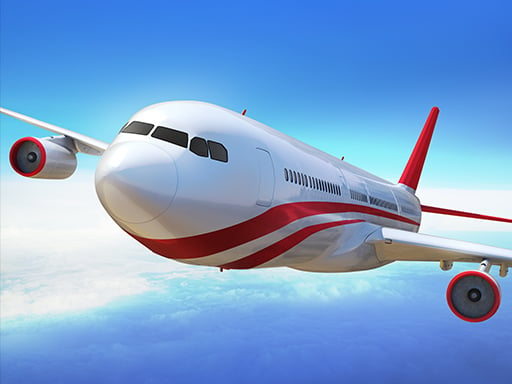
Boeing Flight Simulator 3D provides a realistic design and fluid gameplay experience where i focus on steering and acceleration during takeoffs and landings. The objective is to control the aircraft using arrow keys for steering and the mouse for acceleration to manage successful flights.
How To Play Boeing Flight Simulator 3D
Click to start, use arrow keys for navigation and the mouse for acceleration.
Controls and Features
Arrow keys control steering and the mouse controls acceleration. The gameplay focuses on takeoffs and landings with a realistic design.
Tips
Practice takeoffs to improve skills using the stated controls. Use arrow keys to steer and the mouse for acceleration to manage smooth landings.
Another Realistic Boeing Flight Simulator Arcade
Start flying and use arrow keys for steering plus the mouse for acceleration during takeoffs and landings, I prefer the simple controls, then try Airport Flight Simulator Game for more realistic practice to master your skills.
About this game
- Supported devices
- Desktop
- Genre
- Racing Games
- Release date
- 25 October 2024
- Latest update
- 25 October 2024
- Rating
- No ratings yet

Euro Uphill Bus Simulator : New Bus Game 2022
Super Market Atm Machine Simulator: Shopping Mall

Train Simulator 2022

Truck Simulator
Bicycle Rickshaw Simulator

Turkey Cooking Simulator
Bus Simulator 2021
AMBULANCE DRIVING SIMULATOR

Euro Truck Driving Simulator
Chained Tractor Towing Simulator
Public Transport Simulator 2021
Bus Simulator 2023
Coach Bus Driving Simulator Game 2020
Train Simulator 2020

3D bus simulator 2021
Boat Simulator 2
Taxi Simulator
Dragon Simulator

Buggy Driving Simulator 3d
Advanced Bus Driving 3d simulator

Gyroscopic Elevated Bus Simulator Public Transport
Real Bus Driving 3d simulator
Driving Test Simulator
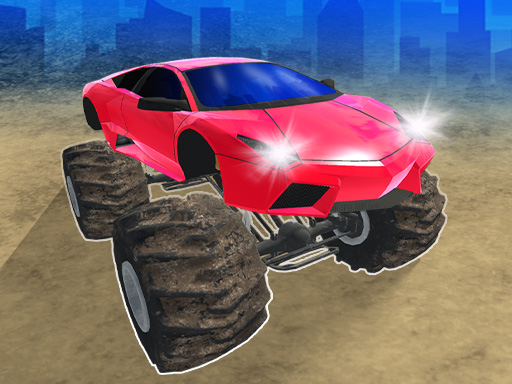
Monster Cars: Ultimate Simulator