

















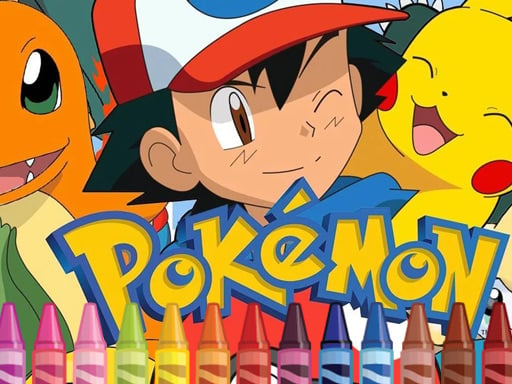


Pokemon Coloring
Coloring Pokemon focuses on palette selection and color application to finish a picture. i use tools for shading and effects to fill sections with chosen hues, creating unique artwork by completing a single image.
How To Play Pokemon Coloring
Select a Pokemon, choose a color, and click to fill sections.
Controls and Features
No extra buttons or toggles are stated.
Controls and Features
Inside the game, you click on a Pokemon, then select colors and fill sections with the brush tool, and the interface is user-friendly for all ages.
Tips
Quick tip: experiment with layering colors and using the shading tools for depth. Filling sections by clicking is easier than trying to paint large areas all at once.
Pokemon Coloring FAQs.
Q: Is there a multiplayer mode to color with friends?
A: The game is a single-player coloring experience focused on personal creativity.
Q: What are the controls?
A: Click to fill sections with colors.
Q: What is the objective?
A: Create unique artwork by coloring a Pokemon.
Q: What is the main mechanic?
A: Palette selection and color application.
Similar Palette Puzzle Game For Coloring Art
Start by selecting hues, then fill sections to finish a picture, I think the shading tools make it way more fun, I use palette selection and color application with Pokemon Coloring Books for unique artwork by completing a single image.
About this game
- Supported devices
- Desktop
- Genre
- Arcade Games
- Release date
- 26 September 2024
- Latest update
- 26 September 2024
- Rating
- No ratings yet

Pretty Butterfly Coloring
Candy Fruit Crush

Frozen II Coloring Book

Color Road Ball
Anime Pixel Art Color By Number

4GameGround - Anime Manga Coloring
Dora Coloring Fun Time
Color Wheel

Pen Rush

Cartoon Coloring Book Game
Color Object Destroy
Color Matcher

4GameGround - Talking Tom Coloring
Color Stack

Pixel Draw

Huggy Coloring
Miraculous Ladybug Coloring Game

Bonnie Color Reveal
Color Balls !
Color Wood blocks
Jelly Jam

Paint Fill 3D
SHAPE TRANSFORM
poke among us