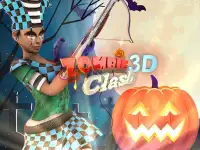


Zombie Clash 3D
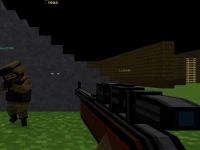
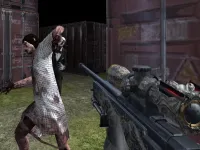
Zombie Clash 3D tasks players with navigating a map to retrieve a scarecrow dummy while engaging enemies. The main mechanic involves using WASD or arrow keys for movement and aiming with the mouse to shoot, and i must switch weapons using number keys to fight the horde effectively.
How To Play Zombie Clash 3D
Use WASD or arrow keys to move, aim with the mouse to shoot zombies, and switch weapons with number keys.
Controls and Features
The game features movement controls using WASD or arrow keys, aiming with the mouse, and weapon switching via number keys. No extra buttons or toggles are stated.
Tips
Use WASD or arrow keys for movement and the mouse for aiming to avoid running blindly. Always switch weapons with number keys to address specific zombie threats.
Similar Zombie Scarecrow Retrieval Arcade Game
Navigate the map to grab a scarecrow dummy while fighting enemies, I think this one is more fun, use WASD or arrow keys to move and the mouse to aim, Geometrie Clash GO! and switch weapons with number keys to fight the horde effectively. I prefer the controls.
About this game
- Supported devices
- Desktop
- Genre
- Shooting Games
- Release date
- 25 October 2024
- Latest update
- 25 October 2024
- Rating
- No ratings yet

Wild West Zombie Clash
Zombie Invasion
Zombie Reform
Slender Zombie Time
Grand Zombie Swarm
Zombie Hunter Assault
DEAD WARFARE Zombie Shooting Gun Games

Dead Zombie Hunting
TPS Shooting Zombie Apocalypse

DEAD Zombie TARGET Shooting Game
Zombie Vacation
Zombie Defence Team
Zombie Bullet 3D

Idle Zombie Wave
PGA6 Zombie Arena 3D Survival 2022
Zombie Survival Gun 3D
Blocky Zombie Shooting

Halloween Zombie Cannon
Advanced Blocky SWAT Zombie
Deadly Zombie Virus
2D Zombie Age
Mineblock Zombie Survival
Zombie Slayer
Tiny Zombie